
How to Leave an Amazon Review
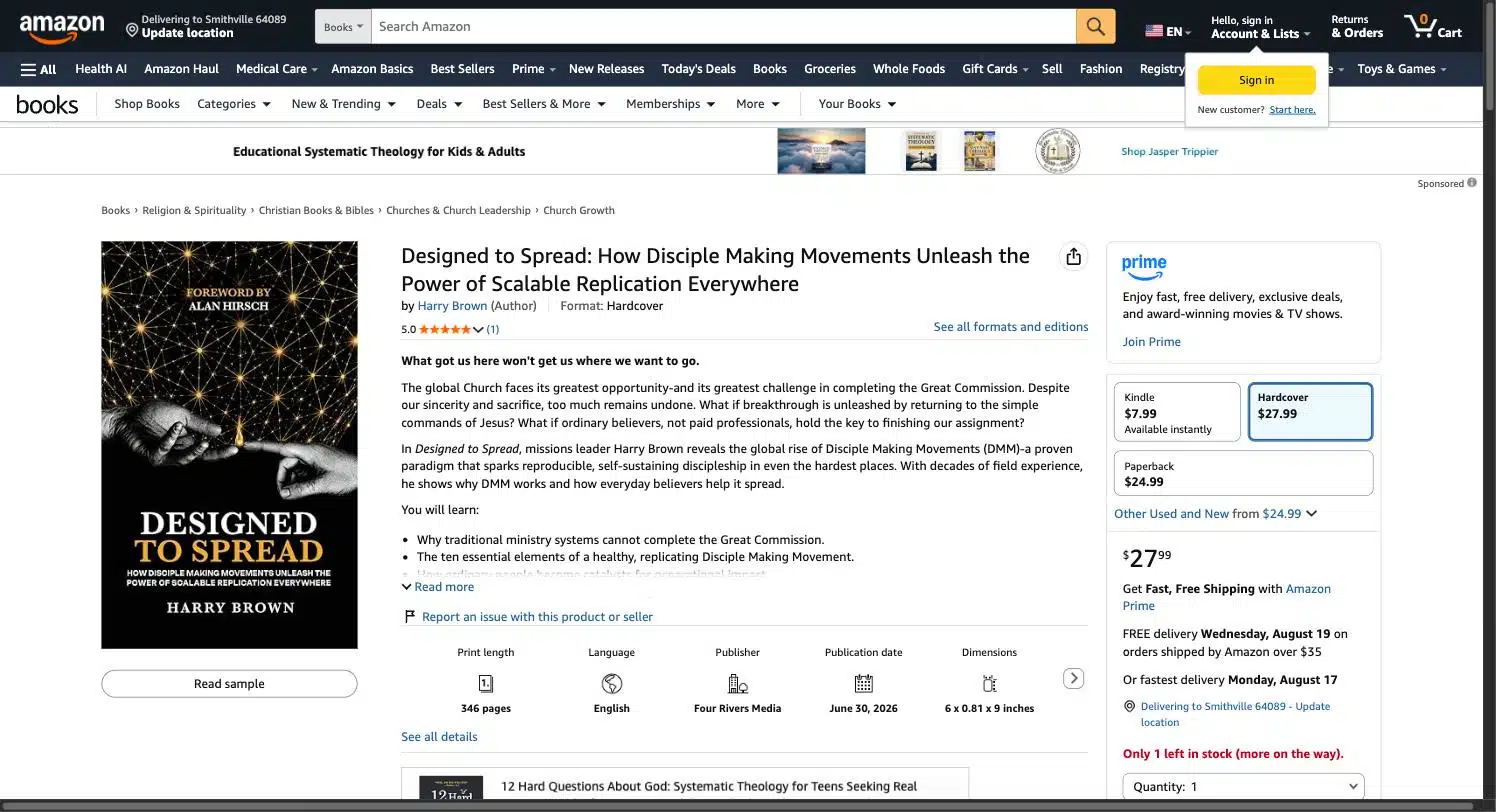
Designed to Spread — How Disciple Making Movements Unleash the Power of Scalable Replication Everywhere, by Harry Brown
1 / 8
2 / 8

3 / 8

4 / 8

1 / 8
Quick reference
Open the book’s Amazon page — use the link below.
Click the star rating under the title to open the ratings summary.
Click “See customer reviews” to jump to the Reviews section.
Click “Write a customer review” and sign in to your Amazon account.
Pick your star rating (1–5 stars) based on your honest impression.
Add a short headline summarizing your take.
Write a few honest sentences about what stood out to you.
Click Submit. Amazon may take a little time to post it publicly.
Ready to leave your review?
Steps 1–4 are real screenshots captured live from Amazon. Steps 5–8 require signing into an Amazon account, so they’re shown as an illustrated guide matching Amazon’s actual review form. Please only post a review that reflects your own honest opinion of the book — Amazon prohibits incentivized or inauthentic reviews.